
Creating a home office that is both cozy and productive can transform the way you work from home. A well-designed workspace not only helps you stay focused but also makes your workday more enjoyable. Whether you have a dedicated room or a small corner, the following tips will help you set up a comfortable and efficient home office.
Choose the Right Location
Selecting the right spot for your home office is the first step. Ideally, choose a quiet area with minimal distractions. Here are some things to consider:
– Natural Light: Place your desk near a window if possible. Natural light can improve mood and reduce eye strain.
– Away from Noise: Avoid spaces near busy household areas like the kitchen or living room.
– Privacy: If you live with others, consider how much privacy you need and use room dividers or curtains if necessary.
Invest in Comfortable Furniture
Comfort is essential for long hours of work. The right furniture supports your posture and helps reduce fatigue.
– Ergonomic Chair: Choose a chair with good lumbar support, adjustable height, and comfortable cushioning.
– Desk: Pick a desk that suits your work style and equipment needs. Standing desks or adjustable desks can offer flexibility.
– Additional Seating: A small couch or cozy chair nearby can be a great spot for reading or brainstorming.
Organize Your Space
An organized workspace helps reduce clutter and improve focus.
– Storage Solutions: Use shelves, filing cabinets, or baskets to keep supplies tidy.
– Cable Management: Use clips, ties, or cable organizers to avoid tangled wires.
– Desk Layout: Keep frequently used items within arm’s reach and store less-used items away.
Personalize Your Office
Adding personal touches can make your workspace feel more inviting and inspire creativity.
– Decor: Hang artwork, inspirational quotes, or photos that motivate you.
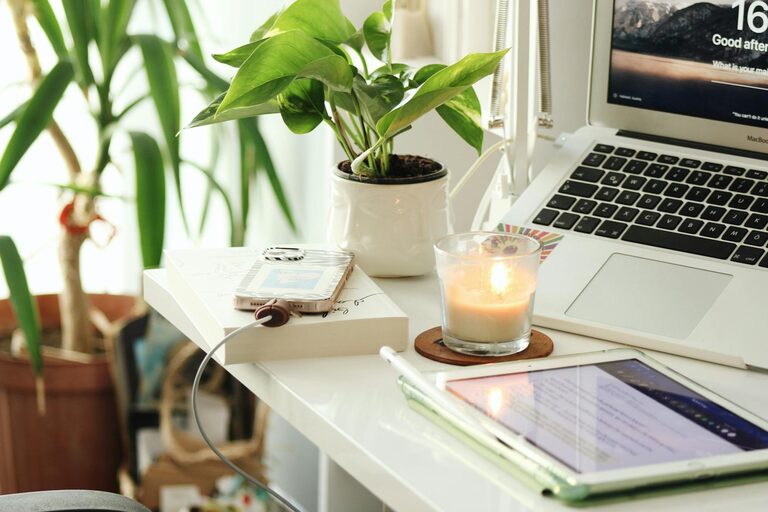
– Plants: Indoor plants improve air quality and add a touch of nature.
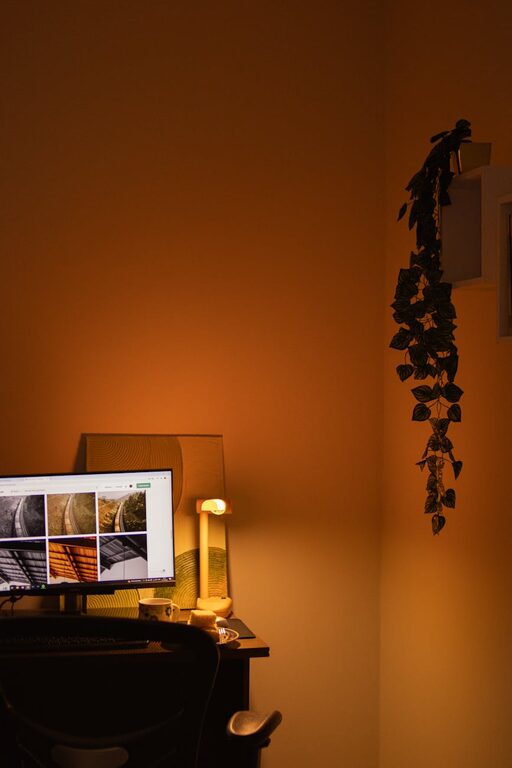
– Lighting: Use soft, warm lighting alongside task lights to create a cozy atmosphere.
Minimize Distractions
Maintaining focus is easier when distractions are limited.
– Noise Control: Use noise-canceling headphones or white noise machines if needed.
– Clear Boundaries: Inform family members or housemates about your work hours.
– Digital Declutter: Keep your computer desktop clean and limit notifications during work time.
Establish a Routine
A consistent routine helps your mind switch into work mode.
– Set Work Hours: Define clear start and end times to balance work and personal life.
– Take Breaks: Schedule short breaks to stretch and rest your eyes.
– Start and End Rituals: Develop habits like making your coffee before work or tidying your desk at the end of the day.
Incorporate Technology Wisely
Technology can enhance your productivity but should not overwhelm your space.
– Reliable Equipment: Invest in a good computer, webcam, and headset for smooth communication.
– Backup Power: Consider a UPS or surge protector to protect your devices.
– Apps and Tools: Use productivity apps like calendars or task managers to stay organized.
Keep It Comfortable Year-Round
Comfort goes beyond the furniture and decor.
– Temperature Control: Use a fan, heater, or air purifier as needed.
– Ventilation: Ensure fresh air circulation to stay alert.
– Comfort Items: Keep a cozy blanket or slippers nearby for chilly days.
Final Thoughts
Designing a cozy and productive home office is about balancing comfort with functionality. By choosing the right location, investing in ergonomic furniture, staying organized, and personalizing your space, you can create a workspace that supports both your well-being and work goals. Remember to set boundaries and establish a routine to maintain productivity while enjoying your cozy home office.
Related Posts

Tips for Creating a Cozy and Inviting Home Workspace
Creating a cozy and inviting home workspace can transform your…
Tips for Creating an Organized and Productive Home Workspace
Creating an organized and productive home workspace is essential for…
Tips for Creating a Cozy and Inviting Home Office Space
Creating a cozy and inviting home office space is essential…